Migrating THE LONG DARK PlayStation®4 save data to a PlayStation®5
Step 1: Saved Data
Players should ensure they have profile/saved data from the PlayStation®4 version of THE LONG DARK available locally on their PlayStation®5 console in order to detect data to migrate.
If THE LONG DARK profile/saved data is not available locally (such as uploaded to PlayStation®Plus online storage or to an external storage device) they must first transfer the saved data to their PlayStation®5 console, using a method of their choice, following the steps in the official documentation below:
-
PlayStation®4 Upload Instructions Link https://www.playstation.com/en-ca/support/subscriptions/ps4-ps-plus-online-storage/#manage
-
PlayStation®5 Download Instructions Link https://www.playstation.com/en-ca/support/subscriptions/ps5-ps-plus-cloud-storage/
-
Other Transfer Instructions Link https://www.playstation.com/en-ca/support/hardware/transfer-games-saved-data-ps4-ps5/
Step 2: Install and launch THE LONG DARK PlayStation®5 Version
After launching and navigating to the Survival menu of the PlayStation®5 version of THE LONG DARK for the first time, players will be prompted with a message that offers them the option to migrate PlayStation®4 saved data to the new application.
Note: If this process is skipped or doesnt trigger automatically, players can later go to: Survival => Extras => Migrate PlayStation®4 saved data in order to initiate the migration process manually.
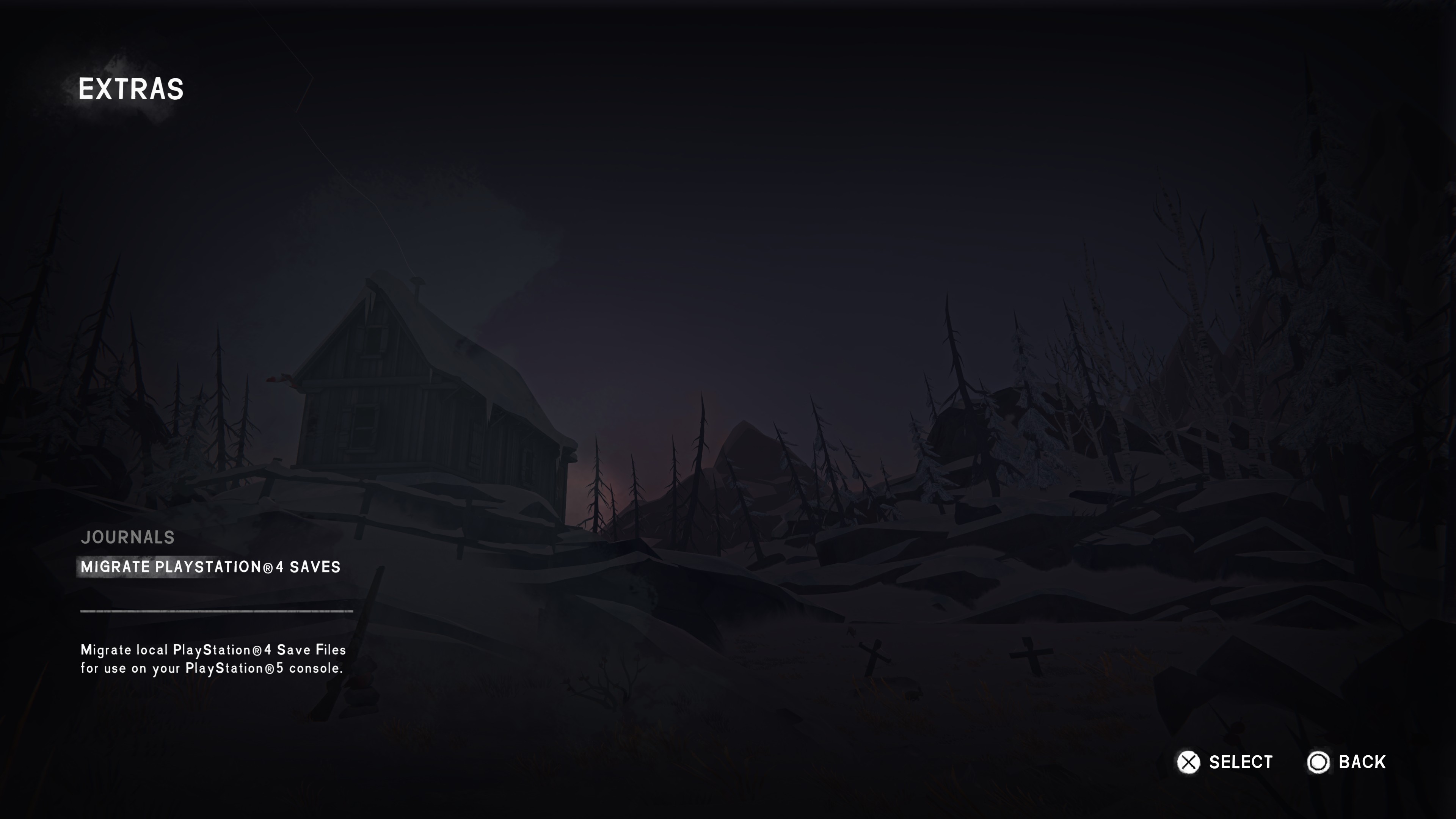
Step 3: Initiate Migration
Provided there is enough space available for all of the PlayStation®4 THE LONG DARK profile/saved data, players can proceed to Migrate PlayStation®4 Saves menu and start the migration process.
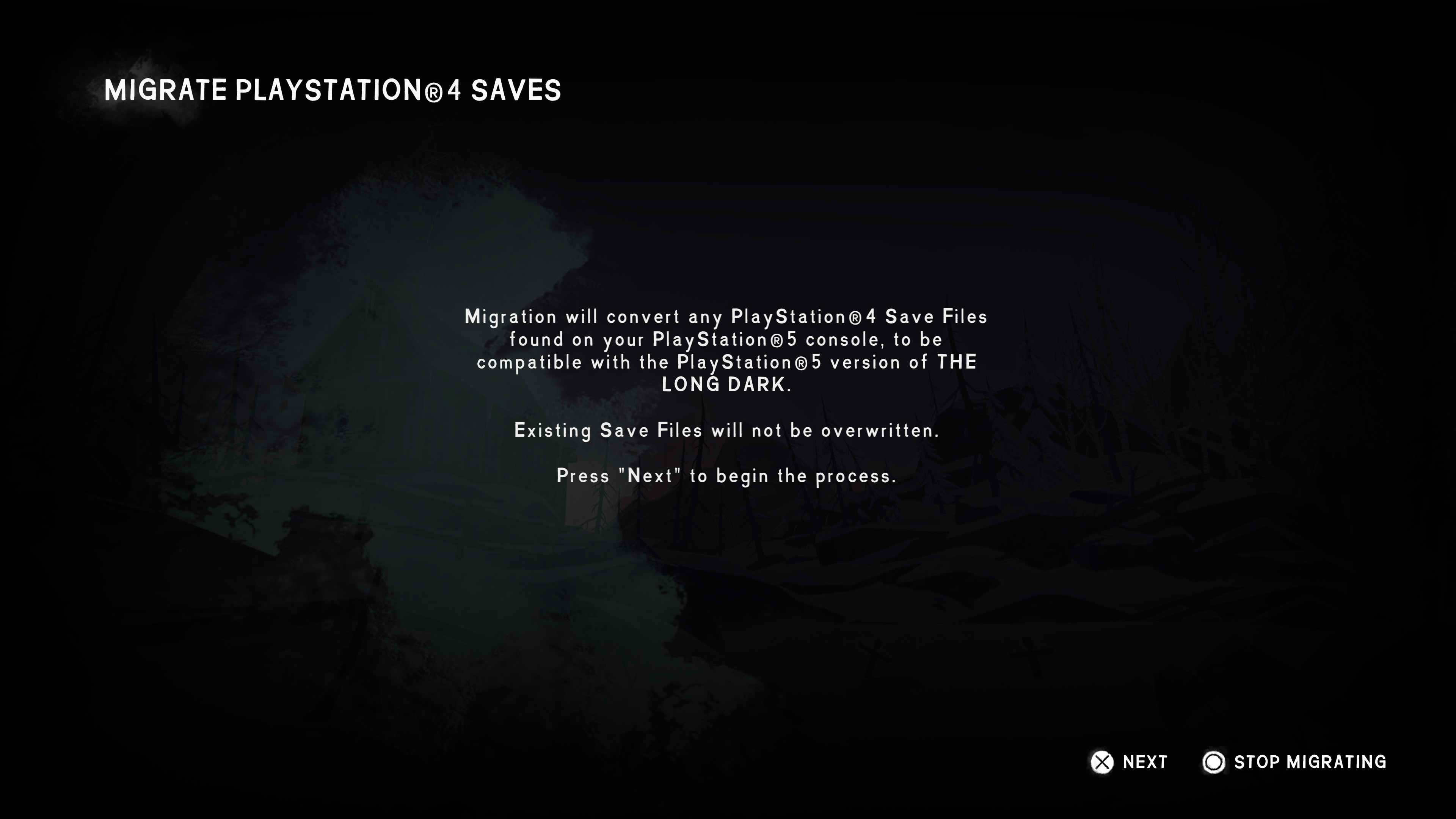
During the migration process, PlayStation®4 profile/saved data for all game modes (including WINTERMUTE) will be copied and saved into new PlayStation®5 saved data.
NOTE: WINTERMUTE saved data (checkpoints and autosaves) will only be migrated if the associated story saved data is also migrated.
Step 4: Migration Outcomes
Successful Migration
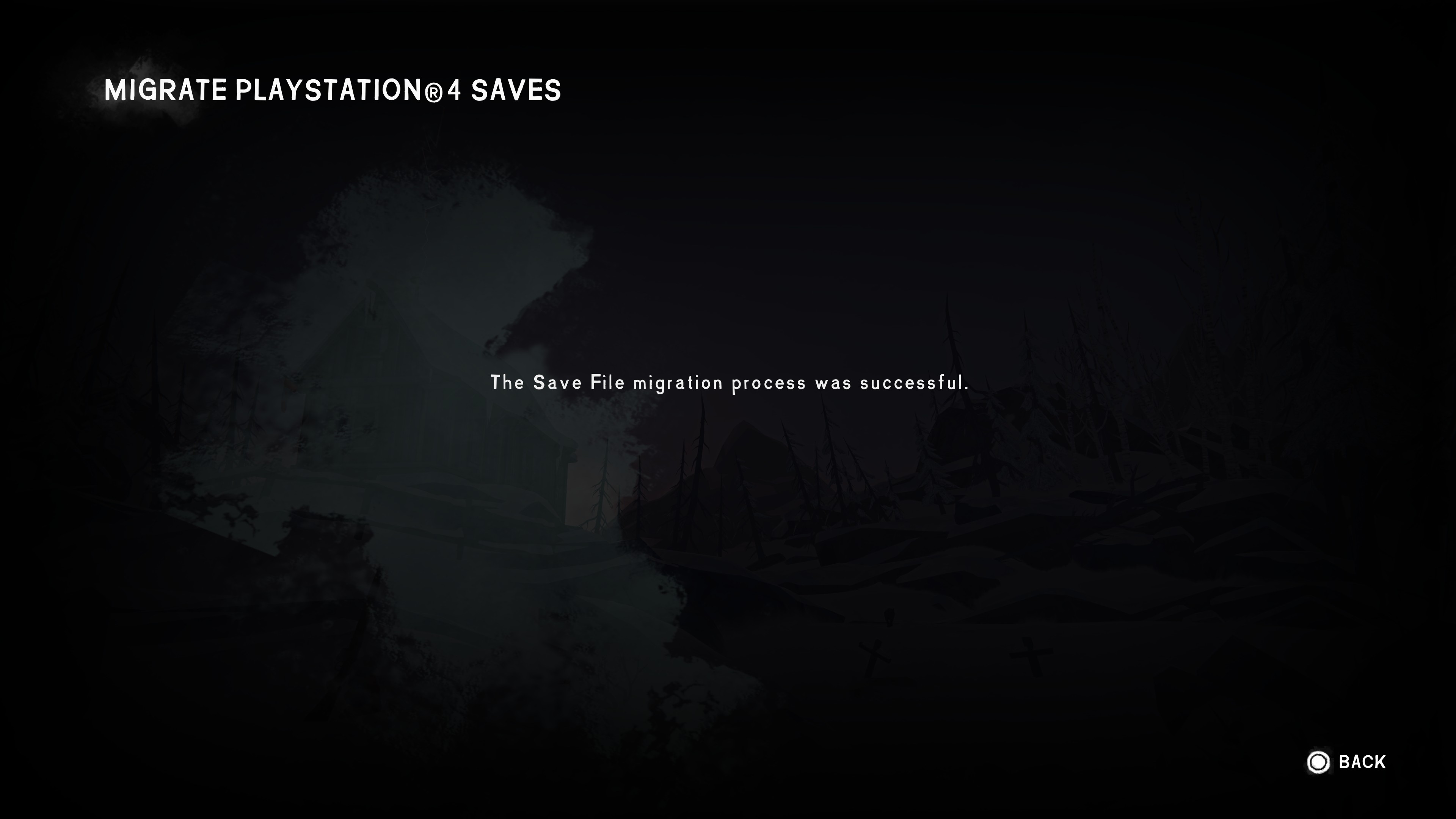
If the migration is successful, the player can return to the Survival menu and their profile/saved data will be present and available to play. Additionally, any previously unlocked Trophies associated with the migrated profile/saved data will unlock immediately.
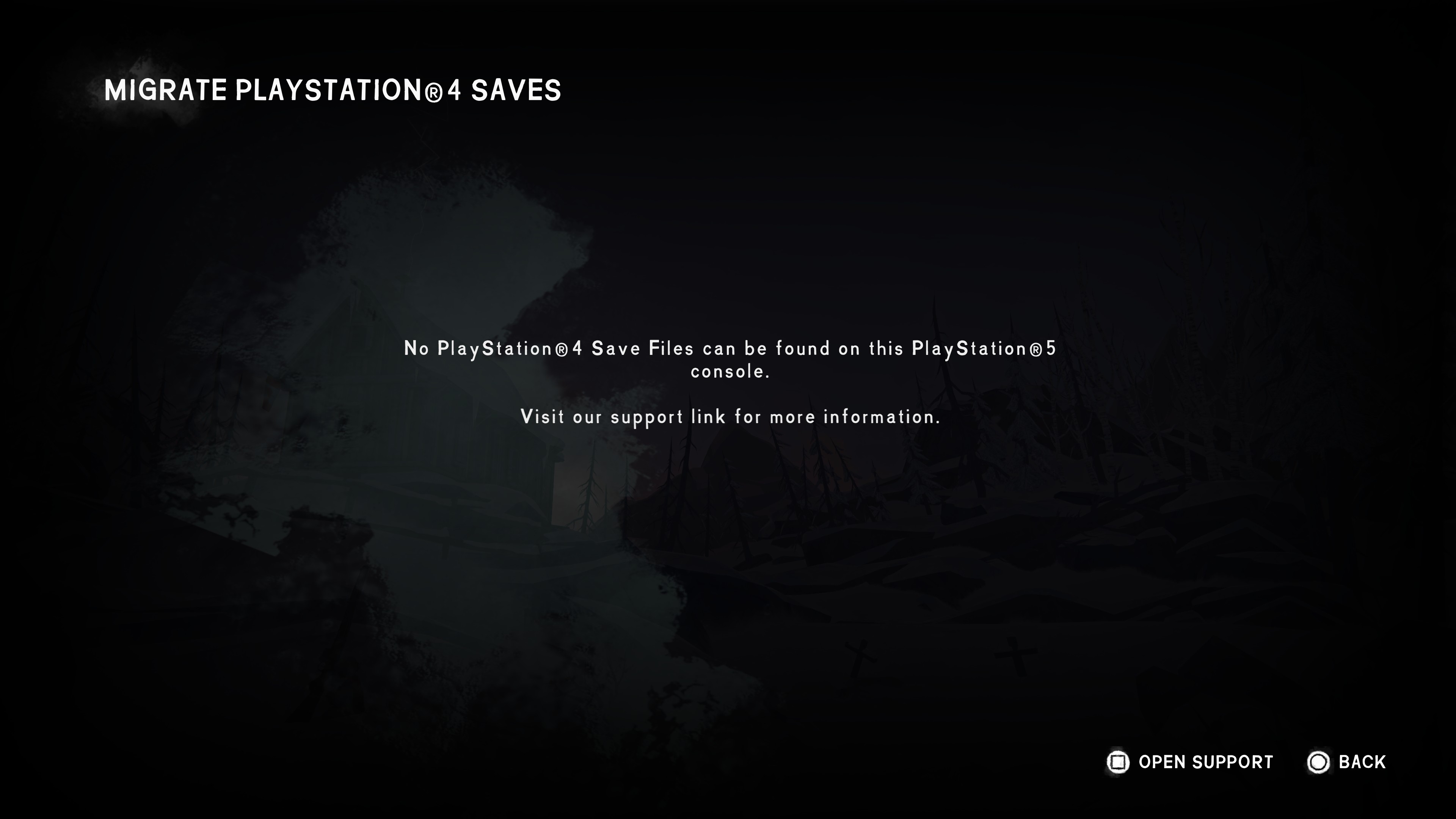
No Saves Found
If a player navigates to the Migrate PlayStation®4 Saves menu with no valid saved data stored on their PlayStation®5, they will see the following screen:
Unsuccessful Migration
If the player has 3 or more autosaves currently present in Wintermute, they will see the following screen.
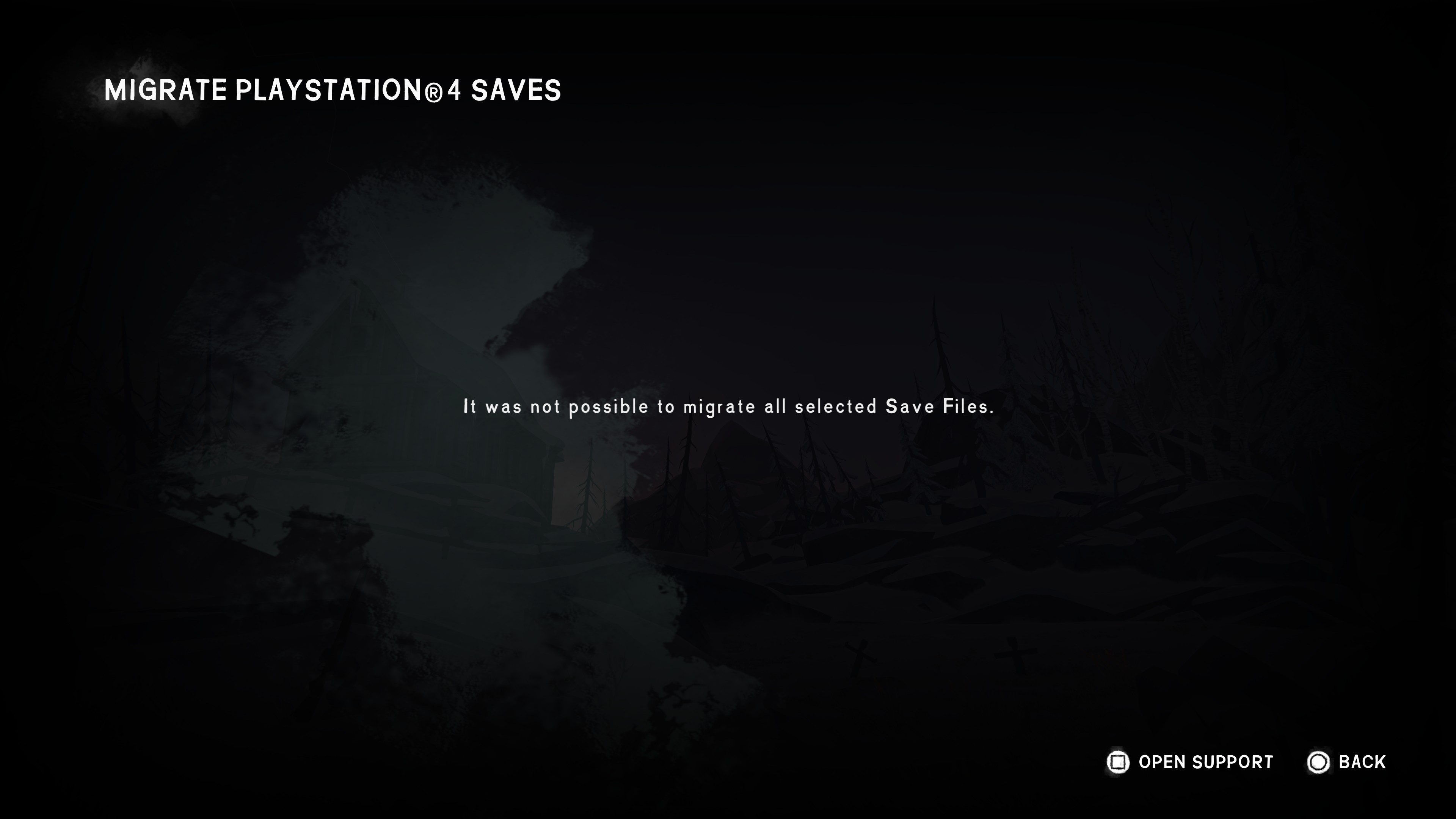
It may also appear if something has not gone as expected.
Not Enough Space
If a player does not have enough space remaining to migrate all of the saved data, they will be prompted with the screen below.
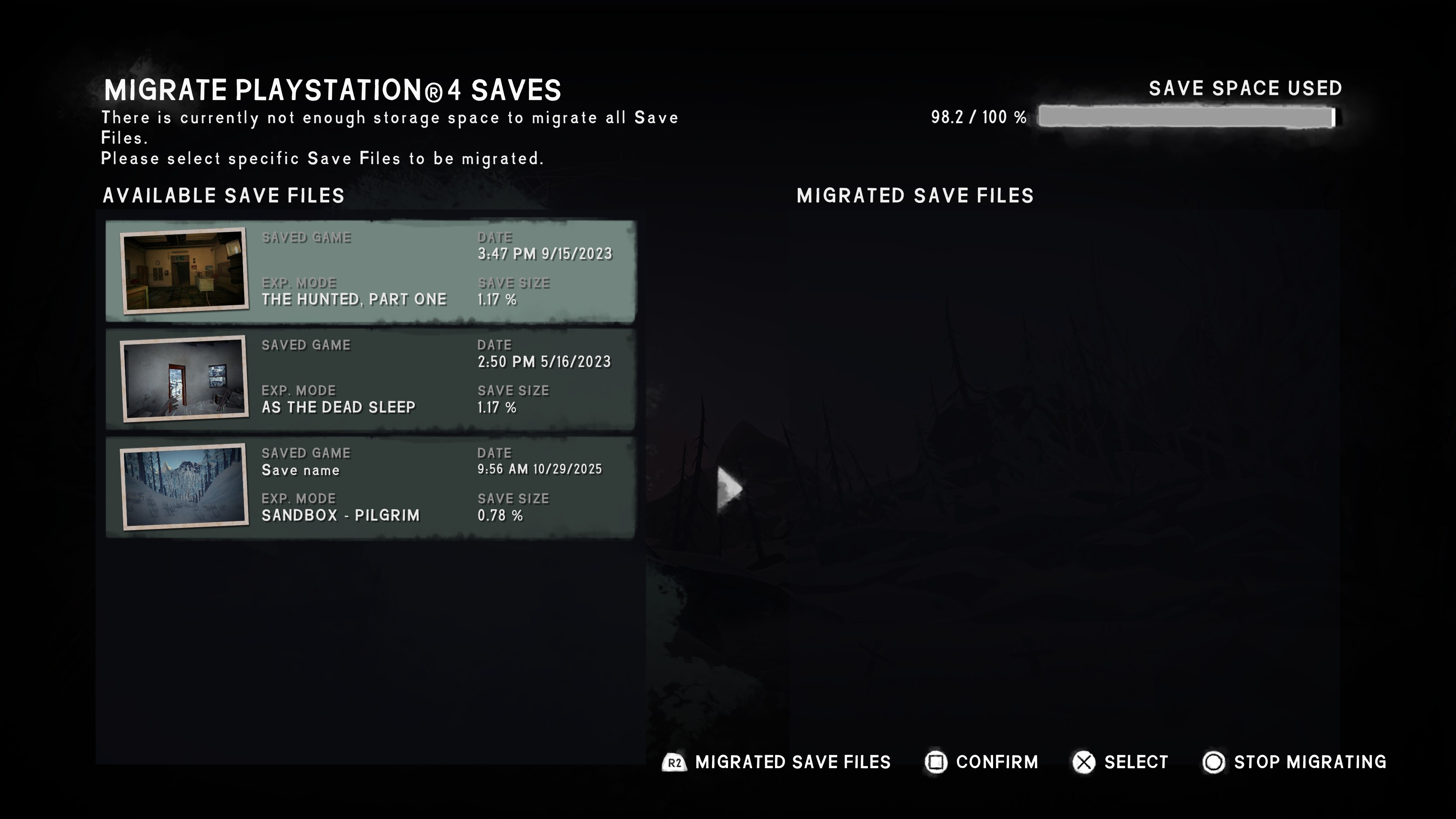
Players will receive a list of all of the available saved data detected by the migration process, which they can choose to migrate by selecting them from the “Available Saves” list, which will move them to the “Migrated Saves” list. They can navigate between these lists using "L2 button" and "R2 button".
Once they have selected the saved data they want to migrate (and the saved data selected do not surpass the saved data space limitations displayed on the screen) they can start the migration process, receiving only the selected saved data upon completion. Players can also free up additional saved data space by deleting existing saved data, either within the Save/Load menus present within THE LONG DARK, or via PlayStation® storage management.
Storage Space Management Instructions Link https://www.playstation.com/en-ca/support/hardware/ps5-manage-storage-space/
Trophies
If the player has unlocked any Trophies on the PlayStation®4 version of THE LONG DARK, they will immediately unlock the same Trophies on the PlayStation®5 console version after a successful migration.
Repeating the migration process
If the player manually triggers the migration process more than once, any saved data that has already been moved over and still exists in local saved data storage on the PlayStation®5 console will be skipped. Only new PlayStation®4 saved data will be migrated.